
An event is not only the people who speak and the people who attend, but also the overall impression it makes. AV, video, lighting, and animation can provide a stunning event experience. All these components should come together to form a coherent narrative that engages and absorbs the guests. Create synergy between all the tools to support stronger storytelling rather than overwhelming guests with the latest technologies.
Start with the main event goal
Before deciding on screens, lighting, sound equipment, and animators, focus on the event’s purpose and the impression it should make on the audience.
For example, a product presentation should be festive and bright; a business presentation should be more solemn and transparent; and a charity event should aim to raise awareness and create an atmosphere of generosity and a desire to help. Once the goal is set, you can choose the event style. All technical tools should highlight the key message, not overshadow it.
Make sure the sound is clear
Clear, understandable sound is one of the basic elements of the event. All speakers should be clearly heard and presented to the guests, as only then will participants receive the information as intended. Muffled music or speech will hardly keep the audience entertained.
Also, the sound system should be adequate for the size of the venue; a large hall requires more volume than a small conference room. Moreover, it is vital to test all the microphones and speakers in advance to ensure that they work properly. In addition, good, loud sound will keep guests focused and deliver a high-quality event.
Use screens that everyone can see
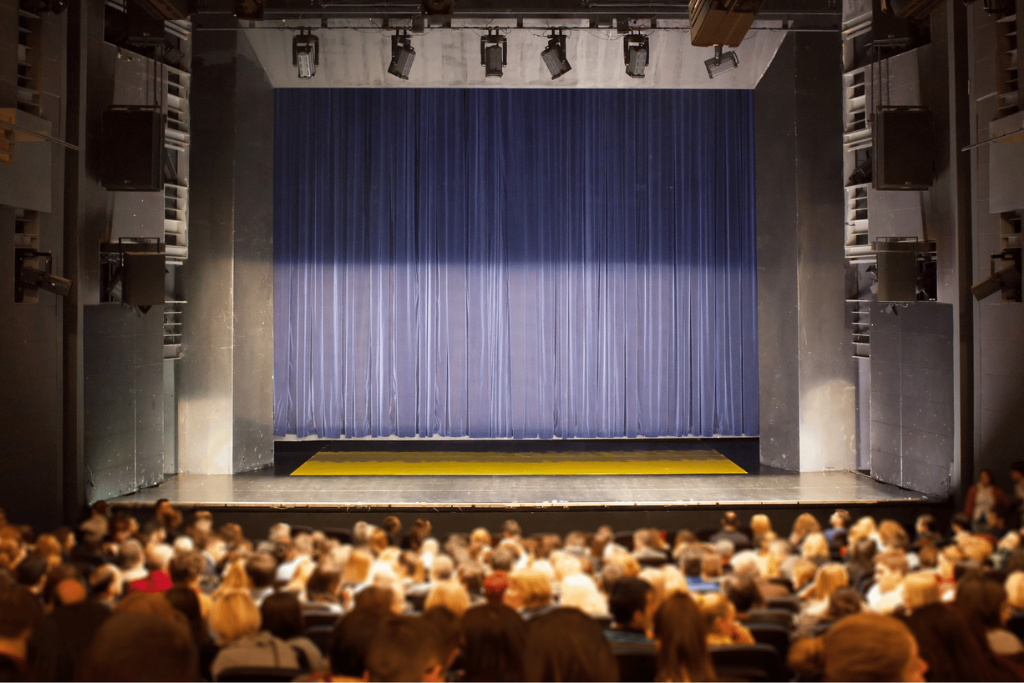
The presentation screens should be able to display slides, videos, live video from cameras, and announcements for important events. These screens must be large enough to be easy to view for everyone in the room. People in the back of the room should be able to read the text and see the images. In a large auditorium, it might be best to have a screen at the front and one at the back of the stage.
They mustn’t be cluttered by lighting rigs, speakers, or other equipment. Decide the size and location of the screens early.
Use lighting to set the mood
Lighting can change the feeling of a room. Soft light can make the space feel calm and welcoming. Bright light can bring energy. Darker light can help the audience focus on a video or a speaker. For example, warm lighting may work well during dinner. However, brighter colours may be better for an award show or product launch.
Lighting can also guide attention. A spotlight can show the audience where to look. As a result, even small lighting changes can make the event feel more polished.
Use video to tell a story
Video is a versatile, engaging medium that can tell a story, introduce a speaker, describe a product, share an organisation’s history, and more. For example, a video for a charity event could focus on the people the organisation serves to humanise the audience and help viewers relate to the cause on a more personal level.
The video should also be concise, as very few people have the attention span to watch a three-hour-long production; a one- to three-minute-long video is sufficient to get one’s message across.
Use animation to explain ideas
Animation makes it possible to represent complex information simply, visually present a product’s working principle, and show changes to make the information more understandable. Animated charts can visualise the company’s growth; product animations can show how it works. The 3d animation should not be too dynamic; the clearer the presentation, the better.
Think about the audience
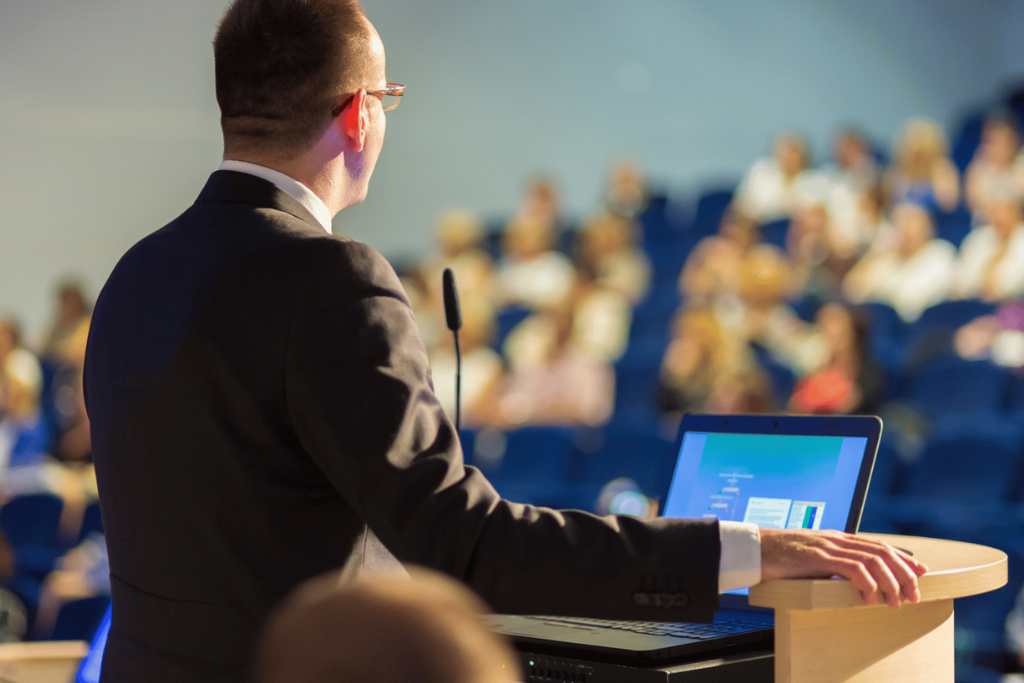
The audience is paramount. You need to make sure people can hear the audio. It is also essential to ensure that people can see the screens clearly. Ensure the lighting is appropriate and the video is understandable.
For instance, you can play music loudly to set the ambience, but avoid making it so loud that guests cannot have a conversation. The lighting can be bright to liven up the party, but one should endeavour to keep it from being glaring. With that in mind, consider every aspect from the guests’ perspective.
Keep the event simple
More technology does not always mean a better event. One strong video can be better than five weak videos. Simple lighting can look better than many moving lights. Similarly, a clean animation can be easier to understand than a complex one. Every effect should have a purpose. If it does not help the message or the audience, it may not be needed. Simple ideas often create the results.
Review the event afterwards
Once the event is over, the organisers and production team must discuss what went well and what did not. For example, the sound may have been perfect, but one of the screens was too small, or the first video was stunning, but one of the lighting effects was too slow.
Moreover, it is essential to keep track of the guests’, speakers ’, organizers ’, and technicians’ feedback since their opinions will help the team realise what went well and what needs improvement. Such a post-event evaluation is vital because it can prevent critical mistakes at the next event and help make future events more successful.
Final thoughts
A memorable experience is not created by using the maximum amount of technology. In contrast, the effective use of sound, lighting, video and/or animation, among other things, plays a major role in an unforgettable event. Each tool should be used to complement the occasion, provide a guide to the audience, and set the tone for the event
With meticulous preparation, testing, collaboration, and backup equipment, the production will have a polished, professional appearance and leave attendees with a great experience.
Learn more tips from World Production Service here.